
How to Request Refills in MyChart
MyChart medication management is coming to all UK Retail Pharmacies!
We’re upgrading our pharmacy systems to serve you better. Once the upgrade is complete, you will be able to use the MyChart app to:
-
See all your prescriptions in one place.
-
Request refills.
-
Read prescription instructions from your phone.
-
Access medication info on the go.
-
And more!
Our upgrade will take place in two phases. The first phase is now complete at our Fountain Court, Good Samaritan Hospital, Apothecary (UK Gatton Student Center), UK Specialty Pharmacy, North Fork Valley and June Buchanan locations.
Our remaining locations will receive the upgrade on April 18.
IMPORTANT: If your preferred pharmacy location was included in Phase 1, you must:
-
Re-request autofills. We will not be able to autofill prescriptions after March 4. If you have prescriptions set to autofill, you will need to make the request again after the upgrade.
-
Re-enter stored credit cards: If you have a credit card stored in our system, you will need to re-enter it.
New to MyChart? Sign up here.
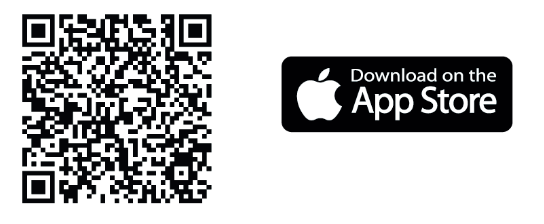
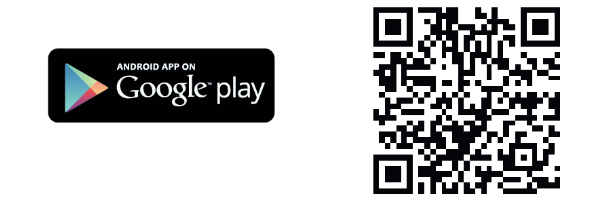
Learn how to easily request prescription refills using MyChart.
1. Choose Medications
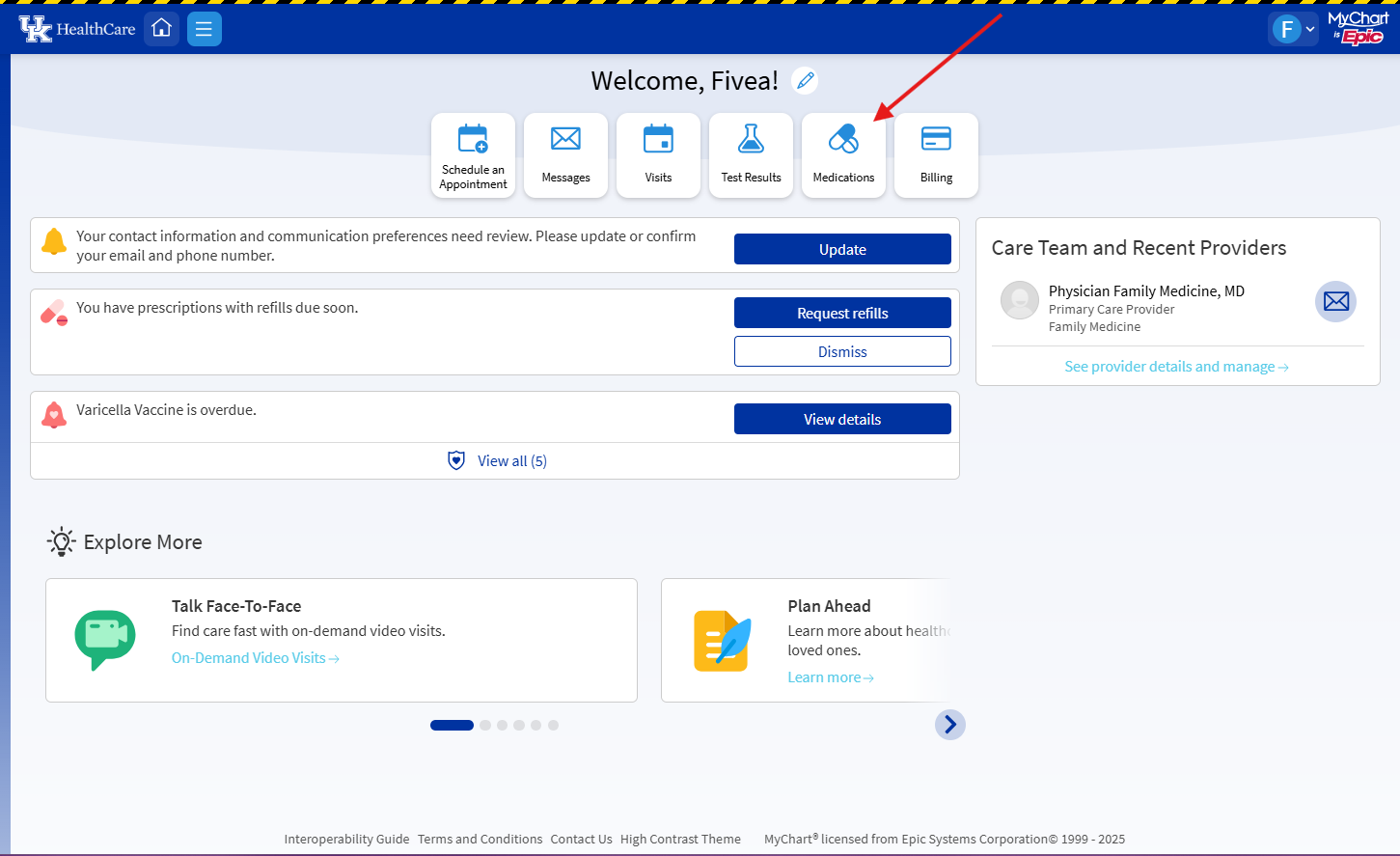
2. Click Request refill
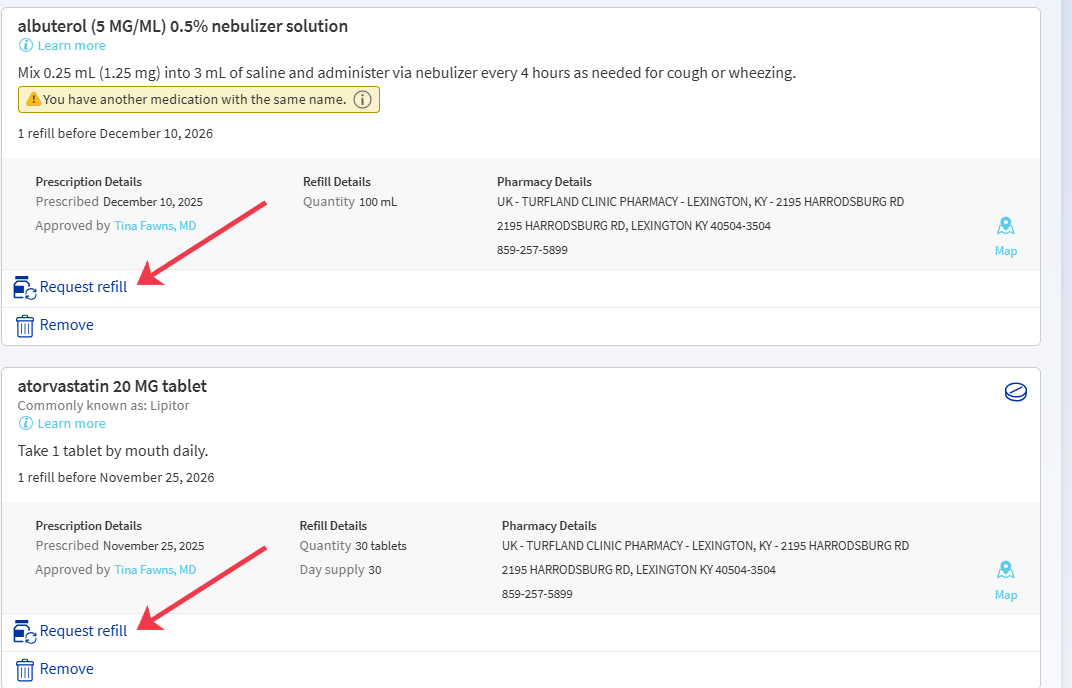
3. Select the medications desired to be refilled, using the check box, then choose Next.

4. Fill out the requested information, including how you would like to receive the medication (pickup, mail, etc.)
5. If you plan to pickup the prescription, select the appropriate pharmacy.
6. Click Next.

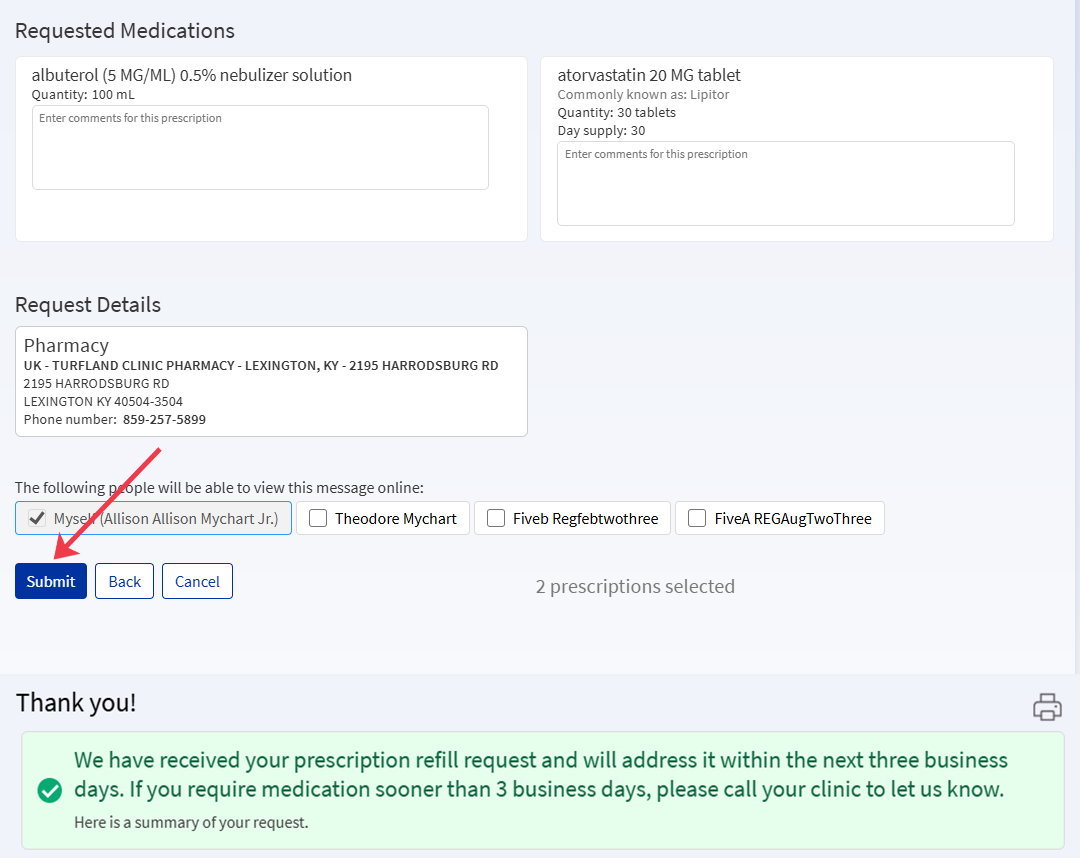
7. Review the request to ensure the medications have been selected correctly and the correct pharmacy has been selected.
8. Click Submit.