
MyChart Bedside
Stay involved with your care while you’re in the hospital.
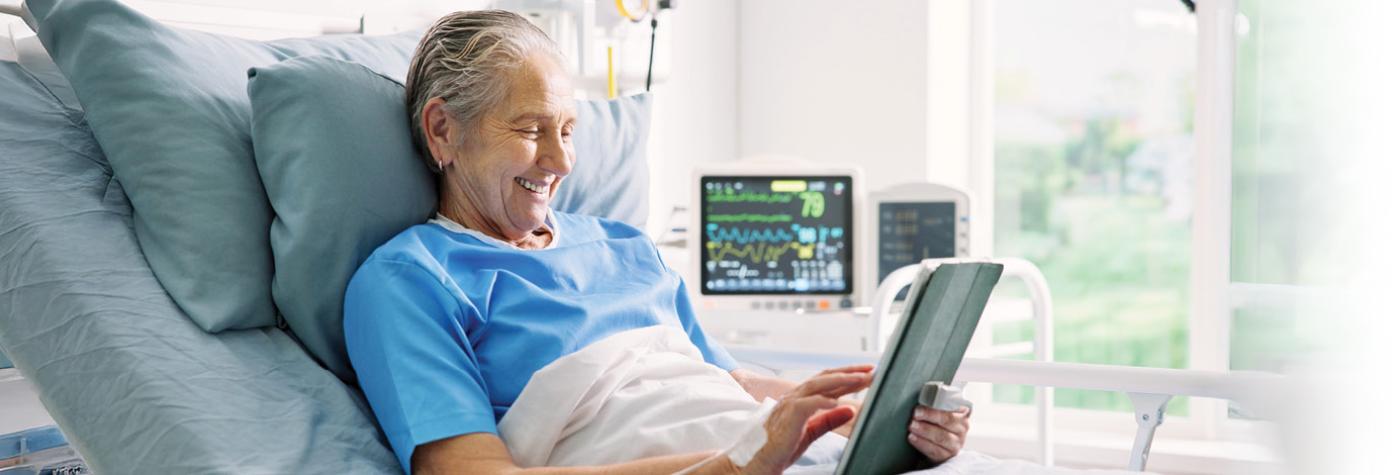
The MyChart Bedside app lets you be more involved with your care or a loved one’s care during a hospital stay at UK HealthCare. It lets you keep an eye on care plans, lab results and more.
To use the free app, ask your nurse for a MyChart Bedside tablet or download the MyChart Bedside app to your personal device.
With MyChart Bedside, you can:
- View your chart: See your vitals, lab results and doctors’ notes.
- Plan your day: See your upcoming appointments and let staff know about plans like family visits.
- Take part in your care: Use your tablet to ask for comfort items, like a snack or blanket. You can also fill out forms and answer questionnaires right from the tablet.
- Learn about your care: Get information about your diagnoses, medications and labs – all in an easy-to-use format.
- Make meal selections: Access the MyMeal App, which lets you view and select meal options based on your prescribed diet. Order meals in real time without waiting for a staff visit.
- Put names to faces: Get to know your care team members. See how each person helps take care of you.
- Take notes for later: Make notes or reminders about your care. Have a question you want to ask your provider the next time they round? Write it down. After your stay, you can still see your notes in MyChart.
- Engage family in your care: If you’ve given a family member or friend proxy access to your MyChart account, they can use Bedside to stay updated and help keep you informed.
- Coming soon – virtual support: As we roll out new tools, patients will soon be able to talk with a virtual nurse who can help with admission and discharge tasks.